Back to School Clipart Bundle for Creatives
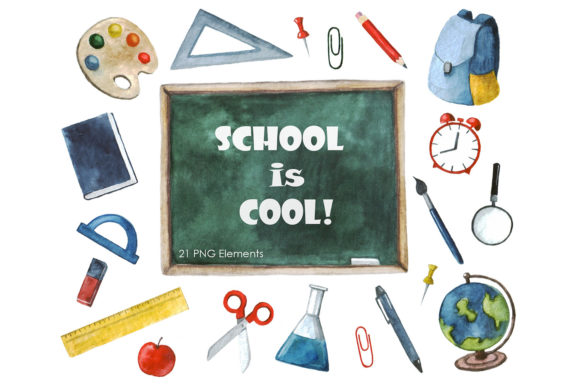
Whether you are preparing materials for the new school year, launching a seasonal product line, or simply looking for fresh visual assets, a well-designed clipart bundle can save hours of work. The Back to School Clipart Bundle offers a versatile collection of illustrations that work across print and digital projects. With twenty-one unique elements delivered in multiple file formats, this set gives you the freedom to create polished designs without starting from scratch.
Instead of hunting for individual icons or paying for custom illustration work, you get a cohesive set that shares a consistent style, color palette, and theme. This makes it easier to maintain visual harmony across invitations, social media posts, classroom handouts, and product packaging. The bundle feels complete enough for professional use yet approachable enough for hobbyists experimenting with new techniques.
What Makes This Clipart Bundle Different
Many clipart collections feel generic or overly stylized, which limits their usefulness. This set stands out because the illustrations are clean, bright, and intentionally designed for real-world applications. Each element works as a standalone graphic or as part of a larger composition. The transparent PNG files let you layer images seamlessly, while the JPEG versions with white backgrounds are ready for quick placement on documents or social media graphics.
The inclusion of SVG and EPS files matters for anyone who needs to scale graphics without losing quality. If you are printing large banners, resizing images for mugs, or importing into cutting machines, vector formats give you full control. You can change colors, adjust proportions, and combine elements without degrading resolution. This flexibility is especially valuable for small business owners who produce multiple products from the same set of assets.
All files are saved at 300 dpi, which means your prints will look crisp whether you are making business cards, stickers, or classroom decorations. The transparent backgrounds save you the hassle of removing white borders later, so your workflow stays efficient from the moment you download the bundle.
Practical Project Ideas for Every Creator
The real power of a good clipart bundle lies in how many different projects it can support. Here are several ways different types of creators can put this collection to work.
Greeting Cards and Stationery
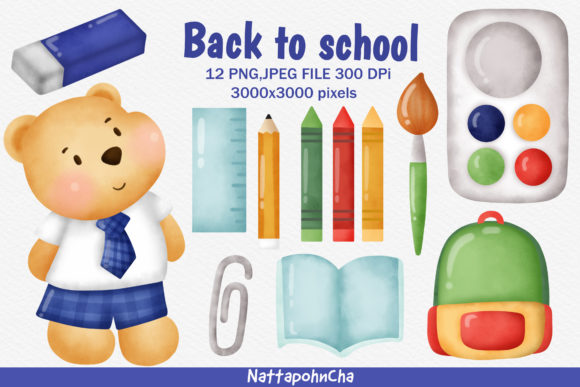
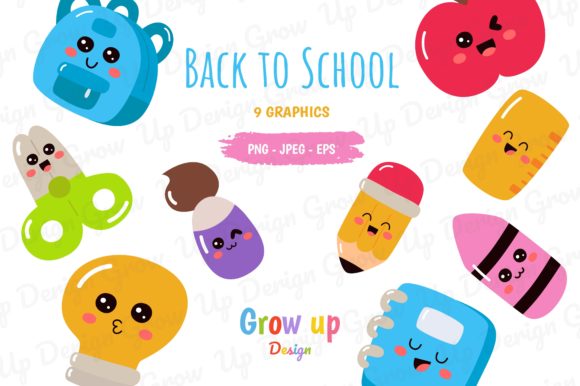
If you sell handmade cards or run a small stationery shop, the Back to School Clipart Bundle gives you a ready-made theme for the autumn season. You can combine the pencil, apple, and book illustrations with your own typography to create encouragement cards, teacher appreciation notes, or launch announcements. Because the files include both PNG and vector formats, you can print at home or send them to a professional printer without worrying about resolution limits.
Try layering a chalkboard background with the clipart elements to create a classroom-inspired look. Add a short quote or a handwritten-style message, and you have a product that speaks directly to teachers, students, and parents. The bundle saves you the time of sourcing multiple illustrators, so you can test new card designs quickly and keep your product lineup fresh.
Cupcake Toppers and Party Decorations
For bakers, party planners, or anyone hosting a back-to-school celebration, these illustrations work beautifully as cupcake toppers, favor tags, and banner decorations. Print the JPEG files on cardstock, cut them out with scissors or a die-cut machine, and attach them to toothpicks or straws. The transparent PNGs are especially useful if you want to overlay the clipart onto patterned backgrounds or combine several elements into a single topper design.
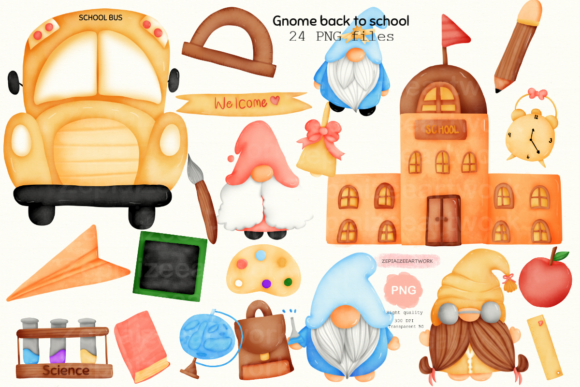
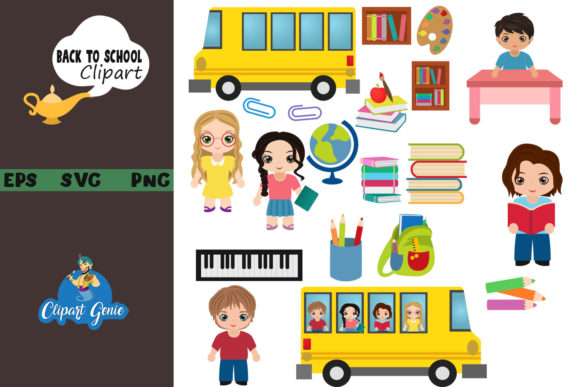
Imagine a set of cupcakes where each one features a different school-themed icon: a bus, a ruler, a stack of books, a globe. The consistency of the illustration style makes the set look professional and intentional. You can also use the SVG file to resize the images for larger party signs or welcome banners, ensuring that every piece of decor matches without extra design work.
Scrapbooking and Memory Keeping
Scrapbookers often need small, thematic elements to fill spaces, frame photos, or highlight journaling. This bundle provides exactly that without overwhelming the page. The clean outlines and bright colors work well with patterned paper, washi tape, and handwritten notes. You can print the images at different sizes and layer them behind photos or use them as page accents.
Because the set includes both file types, you can also edit the vectors in design software to match your page colors. Adjust the apple to a muted tone or turn the school bus into a simple outline that complements your layout. This level of customization helps you maintain a cohesive album while keeping the focus on your memories rather than the embellishments.
Embroidery and Sewing Projects
Machine embroiderers and hand stitchers will appreciate the SVG and EPS files, which can be loaded into embroidery software and resized to fit hoop dimensions. The simple shapes and clear lines translate well into stitch paths, and the 300 dpi source images give you a reliable reference for color placement.
Consider stitching the pencil or apple motif onto tote bags, pencil cases, or apron pockets. You could also create a set of embroidered patches that students can iron onto backpacks or jackets. Because the illustrations are designed with clean edges, they digitize smoothly and reduce the risk of thread buildup or distortion. Test a few stitches on scrap fabric first to confirm your thread tension and color choices.
Adapting the Bundle for Different Audiences
Not every project needs to look like a classroom poster. The same clipart can be repurposed for marketing materials, digital content, and product packaging when you adjust the context and composition.
For Educators and School Staff
Teachers can use these graphics to create newsletters, bulletin boards, worksheets, and classroom labels. The PNG files with transparent backgrounds are easy to drop into PowerPoint, Google Slides, or Canva. You can resize them without worrying about white boxes around the edges, which means your materials look polished even if you are working quickly before the school bell rings.
Try using the book and pencil icons to create subject-specific signage for reading corners, math stations, or science tables. The consistent graphic style helps students associate visual cues with different activities, which can improve classroom organization. You can also print the JPEG versions on sticker paper to create reward stickers or name tags for the first day of school.
For Small Business Owners and Marketers
If you run an online store, tutoring service, or educational brand, the Back to School Clipart Bundle can support your marketing campaigns throughout August and September. Use the illustrations in email headers, social media posts, or discount coupons. Because the files are high resolution, they work on both mobile screens and printed flyers without appearing pixelated.
You can maintain brand consistency by recoloring the vector files to match your brand palette. Open the EPS in Illustrator or Affinity Designer, adjust a few hues, and you have a custom set of icons that still carry the school theme. This approach saves you the cost of commissioning original artwork while giving your audience a familiar seasonal look that feels intentional.
For Hobbyists and Freelance Creators
Hobbyists exploring new crafts can use the bundle to experiment with different mediums without investing in multiple asset packs. Test the images on mugs, phone cases, or tote bags using print-on-demand services. The transparent PNGs upload easily to most POD platforms, and the vector files give you the option to create variations for listings.
Freelance designers can also incorporate the clipart into client projects like blog graphics, menu templates, or presentation decks. The bundle serves as a flexible base that you can build upon with your own typography, icons, or brand elements. Just remember to check the license terms if you are using the assets for commercial work, and always credit the original designer if required.
Practical Tips for Keeping Your Projects Clean and Consistent
Working with a pre-made clipart bundle does not mean you have to sacrifice originality. Small adjustments can make the graphics feel custom while keeping your workflow manageable.
- Resize deliberately. Because the vector files scale infinitely, you can use the same icon on a business card and a poster without quality loss. For raster files, always start from the largest size and scale down to maintain sharpness.
- Group related elements. If you are using the bundle for a layered design like a greeting card or scrapbook page, arrange the images in a way that guides the eye. Place larger elements near the center or top, and use smaller icons as filler or framing accents.
- Stick to a limited color palette. The illustrations already share a consistent color scheme, so you do not need to add many extra hues. If you recolor the vectors, limit yourself to three or four colors to keep the design unified.
- Combine with texture. A subtle paper texture, chalkboard effect, or fabric pattern can make your clipart look less flat. Because the PNG files have transparent backgrounds, you can easily overlay them onto textured backgrounds without complicated masking.
- Test before bulk production. Print one sample of your card, sticker, or topper before producing a large batch. Verify that the colors print as expected, the resolution stays crisp, and the sizing matches your intended format.
Why File Format Variety Matters
The bundle includes PNG, JPEG, SVG, and EPS files for a reason. Each format suits specific tasks, and having all four options means you can move between projects without converting files or losing quality.
- PNG with transparent background is ideal for digital designs, layered compositions, and any project where you want the image to blend seamlessly with a colored or patterned backdrop.
- JPEG with white background works well for quick placements on light-colored documents, social media posts, or printed materials where a white border is acceptable or even desirable.
- SVG and EPS are vector formats designed for scaling, editing, and professional printing. Use these if you plan to change colors, combine multiple elements, or output at sizes larger than standard paper.
By offering all four formats, the bundle removes technical barriers that often slow down creative work. You can open the files in almost any design or office application, whether you use Adobe software, Affinity, Canva, Inkscape, or even Microsoft Word.
Making the Most of Your Download
Before you start creating, take a few minutes to organize your files. Create folders for each format, and rename the elements with descriptive labels that help you locate specific images later. If you plan to reuse the clipart across multiple projects, keep a master folder with the original files unchanged, and duplicate the ones you edit.
Preview all twenty-one elements on your screen to get a sense of the variety. Note which images work best for large focal points and which ones are better suited for accents. This quick review helps you pair graphics intuitively when you sit down to design.
Happy crafting. The Back to School Clipart Bundle is a practical resource that can support you through many projects, from simple stickers to layered digital art. Let the illustrations do the heavy lifting so you can focus on the fun part: making something that feels complete, polished, and yours.